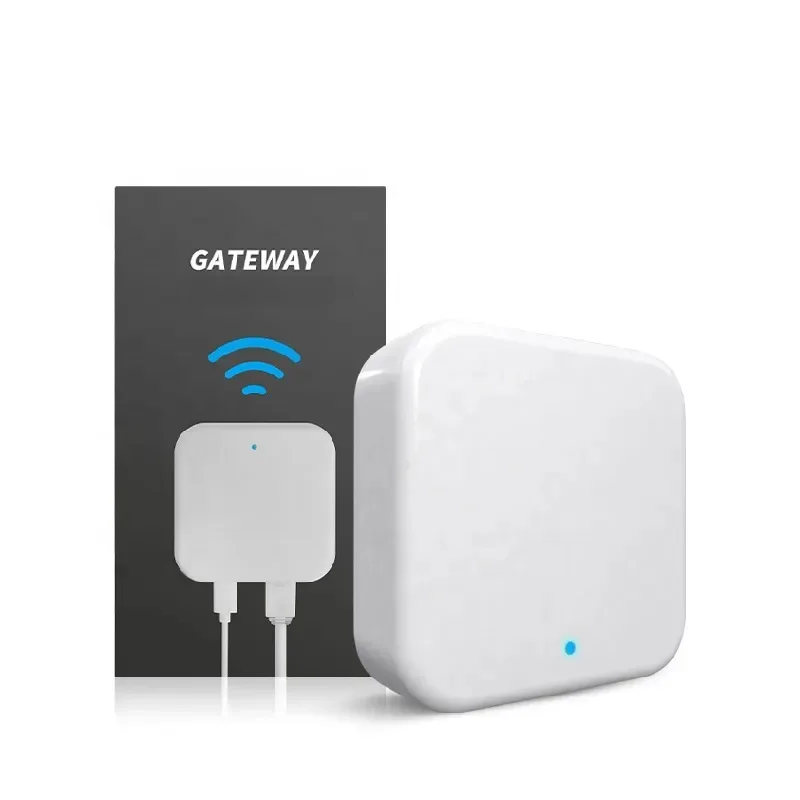
ttlock G3 Wifi Gateway For Smart Door Lock Bluetooth Ttlock Phone Remote Control G3 TTlock with LAN port
SKU: JNX-000230
TTLOCK G3 ETHERNET GATEWAY The G3 Intelligent Bluetooth Gateway allows access to various features of “TTLock” enabled locks without needing to be in Bluetooth range of the lock. By installing the gateway, the locks are able to be controlled using the internet.The device is powered by an included USB-C cable. A USB power adapter & Cat5 Ethernet cable are also required (not included)In order for the gateway to function correctly, it needs to be within 10 metres of the Bluetooth locks you wish to control. (Solid walls may impede Bluetooth signals)The gateway allows for custom codes to be added/deleted remotely. This can be useful for landlords, hotel hosts, & many other users. It also gives an audit trail & push notifications for when doors are opened.Features Remote Lock Remote Unlock (disabled by default) Real Time Audit Trail Push Notifications Add/Delete Passcodes/eKeys Lock Setting EditingInstructions Open “TTLock” and press the menu button. ("Hamburger"/3 horizontal lines) Select the “Gateway” option, then press the “+” icon. Connect the G3 Gateway to your network using a Cat5 cable. Press the “G3” Gateway option, then plug the gateway into power using the included USB-C cable. Choose the Gateway from the list, name it & move to the next page. The gateway will then search for nearby locks. Many settings can now be modified while outside of Bluetooth range of the lock. Push notifications and audit trail can also be accessed.